Outdated capabilities
Stable systems often lack intelligent features. Manual work slows teams down and struggles to meet current business needs.


Keep your systems.Add AI directly.
There is no need to rebuild from scratch or disrupt existing operations. Through non-intrusive API integration and large language models, we add intelligent Q&A, automated review and report generation to your OA, ERP, CRM and other business applications. Upgrade established systems with less cost and risk while protecting your IT investment.
When systems hold core operations and years of data, balancing innovation and stability is a difficult decision.
Stable systems often lack intelligent features. Manual work slows teams down and struggles to meet current business needs.
Starting over means substantial development costs and long timelines, with the added risks of redefining requirements and redevelopment.
Years of complex, large-scale business data are difficult to migrate without loss, inconsistency or unclear accountability.
Downtime directly affects daily business. Upgrade windows are hard to find, and teams are understandably cautious about changes.
Bring intelligence to established systems while preserving their core architecture and stability.
Use standard APIs and middleware to add intelligent Q&A, semantic retrieval and content generation to existing applications.
Choose from leading public models and privately deployed models to balance performance, cost and data security for each use case.
Structure and organize existing data without migration, turning accumulated information into useful inputs for AI applications.
Use staged releases and parallel operation to maintain business continuity, with rollback available when issues arise.

Add AI answers and voice input to your systems.

Ask questions and find business knowledge.
Turn business data into clear reports.
Review documents and contracts. Flag potential risks.
Review architecture, APIs and existing data
Identify high-value opportunities for AI
Plan integration, model selection and security
Connect APIs and embed AI capabilities
Validate in parallel, train users and transition
Maintain stability and extend capabilities
Custom solutions for 3,000+ clients across business and the public sector.
Connect APIs and AI while preserving your core systems.
Private deployment and local models, with data kept in your environment.
One team for planning, delivery and ongoing improvement.
Add one high-value AI capability and validate its impact quickly.
Upgrade according to business priorities, introducing intelligence step by step.
Deploy models locally and keep data within your environment for demanding security requirements.
Maintain stability, improve capabilities and expand AI use cases over time.
Start by assessing your existing applications. Prioritize frequent queries, document organization and workflow assistance, while checking APIs, data and permissions.
First define users, input materials and expected results. For example, validate customer lookup and follow-up drafts for sales staff before changing an entire CRM workflow. Where APIs, data quality or permissions are insufficient, address those gaps or retain manual handling.
Prioritize use cases by frequency, information quality and the consequences of errors. Frequent tasks that are hard to verify or could affect critical operations require more validation and human involvement. A convincing demonstration alone is not enough.
We start from retaining your existing applications and assess integration through APIs or independent services. Local changes depend on the architecture and operating environment.
The plan should explain where AI assists, where data comes from, whether results are written back and how normal work continues during failures. If APIs are unavailable, assess targeted changes, a separate entry point or manual handoffs before defining the scope.
Assess original-system changes, AI development and third-party resources separately, with clear responsibilities and dependencies. Confirm vendor cooperation, API development and environment changes before starting.
Review critical processes and dependencies, validate in a test environment, then conduct a limited pilot and phased rollout with exception handling and rollback plans.
Agree on participants, test data, release windows and issue owners before the pilot. Test normal workflows, timeouts, invalid responses and human handover. Progress depends on test results and business approval; technical connection alone does not constitute acceptance.
Identify workflows that cannot stop, peak operating hours and existing incident requirements. If pilot outputs are unreliable or handoffs are awkward, narrow the scope and resolve issues before expanding.
Define access according to roles and tasks. Review authentication, data authorization, model use and record retention, and choose deployment according to your environment.
Distinguish data a user can query, actions they can perform and operations they can approve. Access to an entry point does not grant access to every document. Specify sensitive-data transfers, model services, log visibility and retention in the plan and verify them during implementation.
Begin with anonymized examples, then confirm production data requirements. Define responsibilities for account providers, authorization approvers and operations staff. Do not automatically reuse test accounts in production.
Authorized staff should confirm approvals, payments, external commitments and important business judgments. Define AI assistance first, then place review and exception handover points accordingly.
Place review before the actual operation and show the evidence, proposed action and its effects. Stop automatic processing and hand over to staff when evidence is insufficient, authorization is exceeded or business rules conflict. Implementation depends on available systems and approvals.
Reviewers should check sources, applicable rules and proposed actions, rather than merely approving a conclusion. Allow unverifiable results to be edited, rejected or returned to the original workflow. Business staff retain responsibility for review.
Prepare a system inventory, representative tasks and anonymized examples. Start with one clearly bounded use case, validate outputs and collaboration, then expand gradually.
For the first discussion, bring one or two anonymized inputs, current processing steps and acceptable output examples. Together we can define integration conditions, human confirmation points and acceptance methods for an assessable pilot. Timing, pricing and expansion are agreed separately.
The pilot scope should specify entry points, users, deliverables and exclusions. This helps establish whether a task is worth building before choosing technology and avoids pursuing several integrations with unclear goals.
Share your needs for a tailored integration proposal.
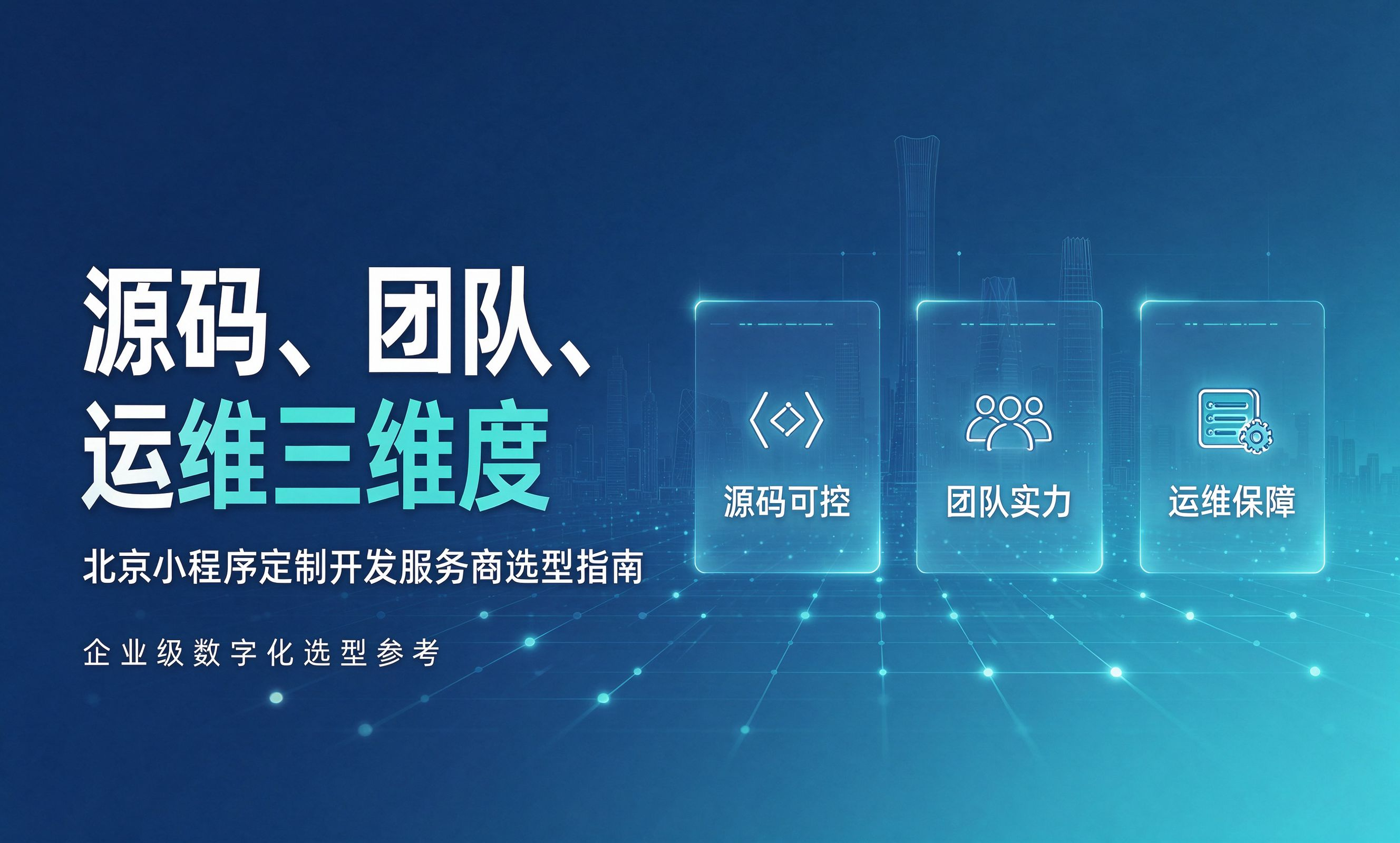
北京小程序市场持续扩容,但选型的关键已从比价格转向比匹配。本文按轻量展示、预约会员、电商交易、政企高并发、多端对接五类场景拆解开发方案与交付周期,并给出团队、资质、源码、运维四个长期判断维度。
随着北京数字经济持续发展,小程序逐步成为企业核心业务入口。市场需求由基础搭建转向质量、合规与长期迭代,本文拆解三类服务商差异,梳理 2026 小程序市场发展方向,配套完整选型方法,助力企业科学选择小程序开发服务商。
北京企业做小程序,从主体认证、服务类目、隐私合规、接口权限到提审上线、后期运维,需要跨越6道关键关卡。时代创信结合微信生态服务经验,拆解企业小程序合规、高效上线的完整流程。
Headquartered in Beijing, China, EraTech Solutions operates branches and technology R&D centers around the world.

Add Wechat for one-to-one service
Online Consultation
Telephone Consultation
010-68547470
Wechat Contact









 Home
 Phone
 Consult
 Map